

Best Deal Today
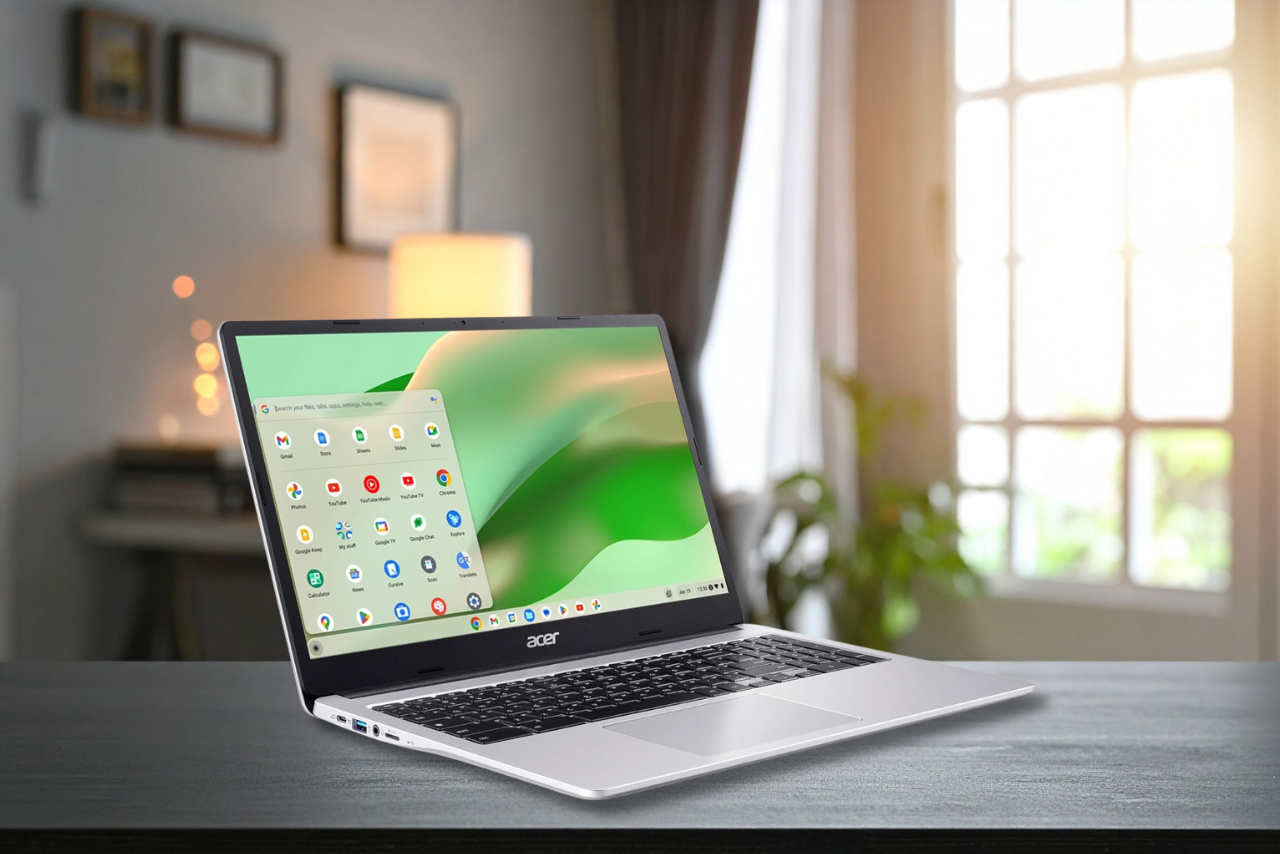
Looking for a cheap laptop …for college or basic daily use? Then look no further than this Acer CB315-4H-C8XU review, and get to know why it keeps popping up on price comparison sites, as well as Varge’s authoritative best student laptops guide. But is it actually any better than competing budget laptops? Let’s find out.
At first glance, the Chromebook 315 looks like one that checks all boxes with a large, full HD screen, good battery life, and decent performance. Also, the sub-$200 price tag works in its favor, of course.
As with all Chromebooks, the CB315-4H-C8XU runs on Chrome OS, an easy-to-use interface that leans heavily towards having an internet connection because most of your files will be stored online. The reason? Chromebooks don’t come with loads of built-in storage, which, to a larger extent, makes the laptop more affordable.
There are, of course, a few limitations, such as the locked-down Chrome OS compared to Windows, and the Intel Celeron N4500 processor lags far behind flagship laptops. But Acer has managed to strike a subtle balance out of all these features to deliver a laptop that’s capable of running basic day-to-day tasks without a pause.
Acer CB315-4H-C8XU specs
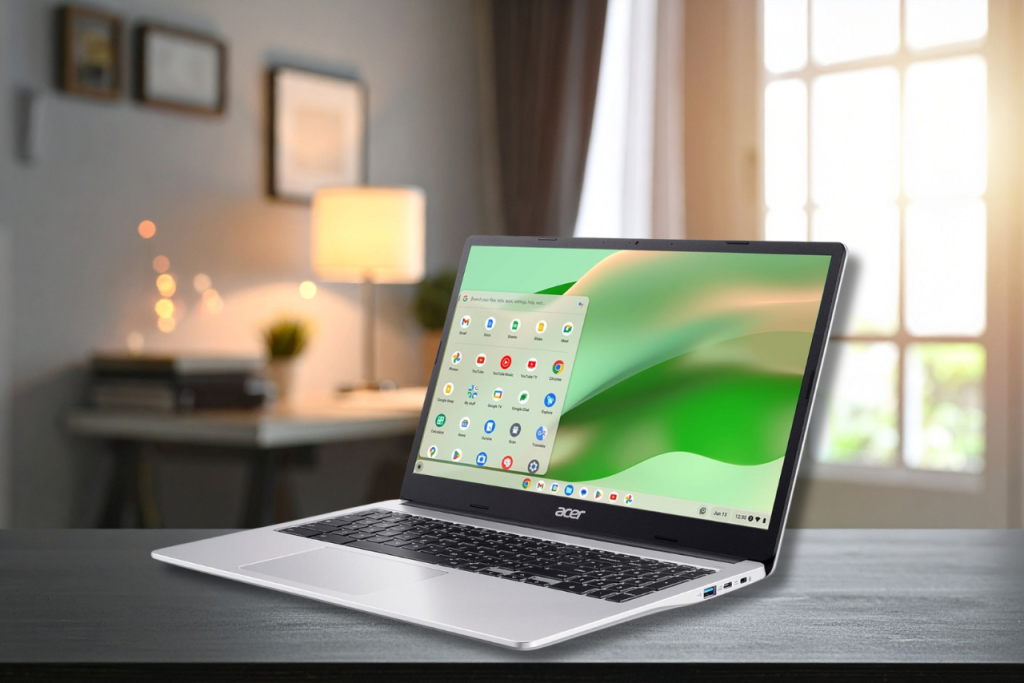
Here are the key specs and features on this Chromebook:
- Processor: Intel Celeron N4500
- Graphics: Integrated
- RAM: 4GB
- Storage: 64GB Flash storage
- Display: 15.6-inch 1920 x 1080 pixels
- Wireless connectivity: Wi-Fi 6, Bluetooth 5.1
- Weight: 3.53 pounds
- Size: 14.42 x 0.79 x 9.61 inches
For under £200, this is the available configuration. The display isn’t a touchscreen, and it can’t flip back 180 degrees like more pricier Chromebooks, but it gets the job done without any issues.
What We Like
Good everyday performance
The Acer Chromebook 315 is designed for simple everyday tasks and does a fine job. With an Intel Celeron N4500 processor, 4GB of RAM, and 64GB eMMC storage, we don’t expect this clamshell laptop to compete with the best of its class, but when used as expected, it won’t disappoint.
As specced, you can use this Chromebook for a range of work tasks, casual browsing, and college tasks, and it handles everything thrown at it without struggling. Even the upward-firing speakers are respectable enough for a machine of this composition and makeup, delivering enough legroom for YouTube videos and Netflix binging.
The bright, roomy display makes it ideal to seamlessly transition between tasks through maps and images as well as documents and forms. Combine all this with the usual intensive workout, and still the Acer Chromebook CB315-4H-C8XU has no trouble doing exactly what it is required to do without any hiccups.
However, keep in mind that ChromeOS isn’t as flexible as Windows on laptops like the Acer Aspire Go 15, limiting downloads to what’s available on the Google Play Store. That said, all of the common apps are available, such as Spotify and Netflix, but you may be out of luck if looking for something more.
The Acer CB315-4H-C8XU looks like a steal for a 15.6-inch laptop, but just be sure it’s a Chromebook you need.
Comfortable, portable construction
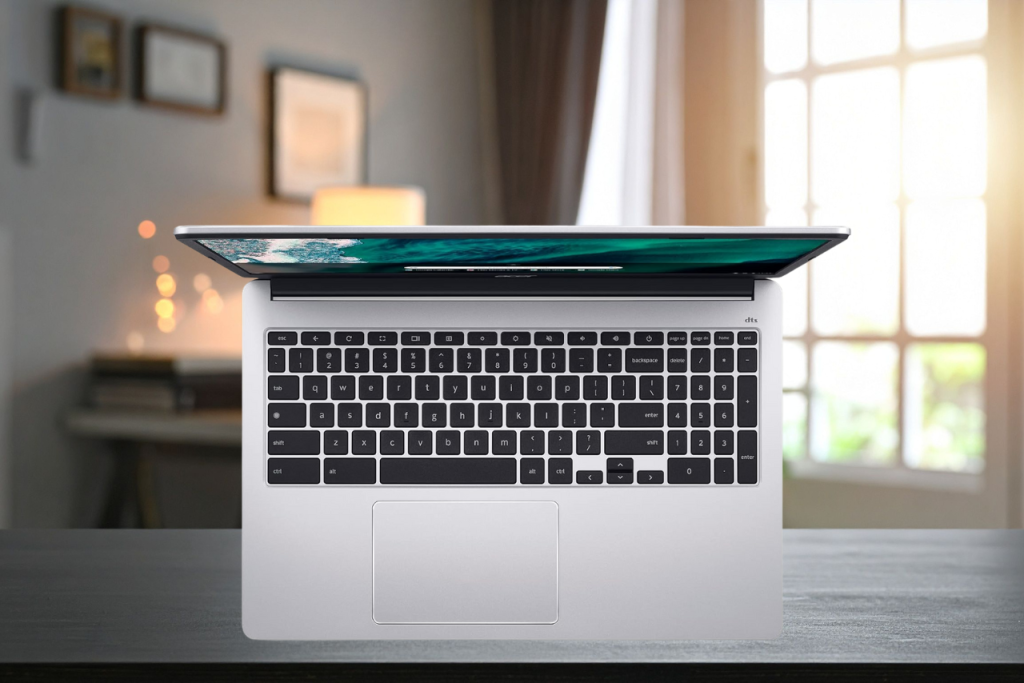
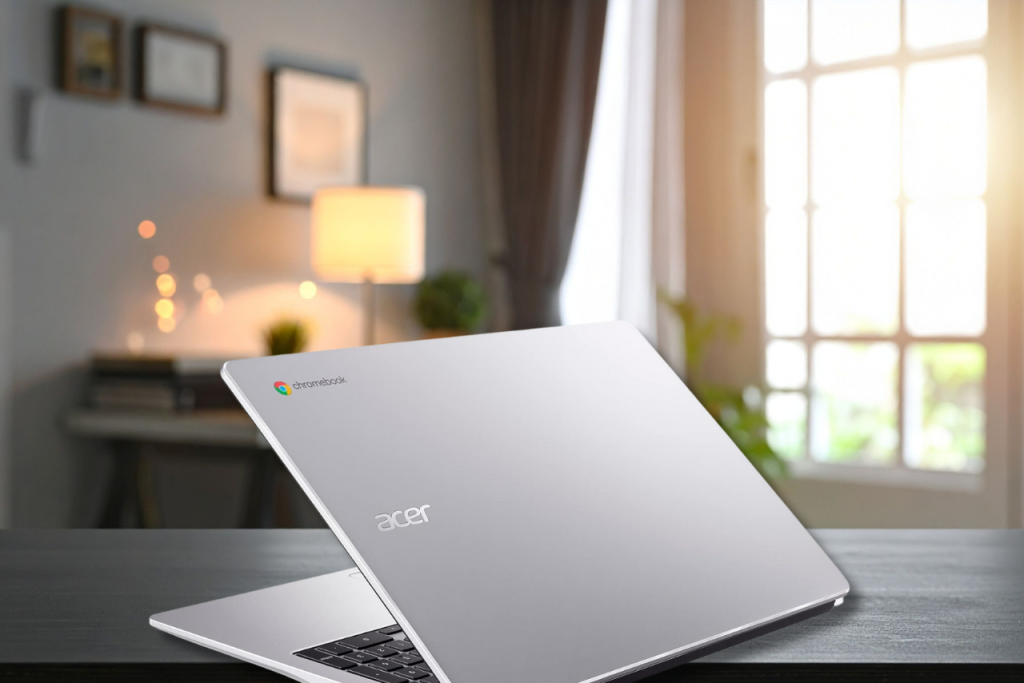
The Chromebook CB315-4H-C8XU is the same size and feel as a small PC laptop, but slightly larger than a notebook. It gets a metallic silver finish, and it feels splashy, giving the impression of an aluminum finish, even though it’s not; the Acer Chromebook 315 is all-plastic.
The form and feel of this laptop-like Chromebook is nice in the hand, but it’s a little heavier than the more powerful touch-enabled Acer Chromebook Spin 713 (2.28 kg and 1.3kg, respectively). There’s a little bulk feel to this Chromebook, but it still looks and feels premium.
It’s hard to tell where the weight comes from, given the all-plastic construction, heavier than even the aluminum Lenovo ThinkPad C13 Yoga Chromebook. But it is still portable enough to stash into a backpack on the daily commute.
Great battery life
Simply put, the battery life is excellent. With brightness set at 50%, the Acer Chromebook 315 can last a total of 13 and a half hours before shutting down. That represents roughly two full working days of juice when in constant use, and it will see you through a heap of work and tasks.
Whether you want to watch the latest TV show on Netflix or type away college assignments, the CB315-4H-C8XU has you covered, and regardless of how you run the battery down, the USB-C charging is incredibly efficient and will see you back to full capacity (from absolute zero) in about two hours.
What we don’t like
Display would be better
The screen is decent, you get a 15.6-inch panel framed inside a thick black bezel with a camera at the top. The design is neat and unobtrusive, but I still have concerns over the brightness and quality, particularly if you’ll be using the Acer Chromebook 315 for creating artwork. The 1920 x 1080-pixel dimension is effectively 1080p, which is okay at 15.6 inches for streaming video, but its brightness is found wanting for more interesting or serious visual tasks.
There’s a heavy anti-glare, matte finish covering the screen; this is great for tasks such as writing, noting, or blogging, and can be great for watching videos. However, if you want to work with images and need to see exact colors, this isn’t the screen for you. If your budget can be extended a little, you can get a better, more colorful screen. This screen is designed for regular tasks such as writing, browsing the web, and taking part in video calls.
Should you buy the Acer Chromebook 315?
Yes, this is money well spent (or saved) for basic users.
For the price, the Acer CB315-4H-C8XU is a fine Chromebook. It’s usable, and while not exactly speedy, it’s fast enough for simple, everyday tasks. Yet, we still keep coming back to that underwhelming screen and feel that it would have been a much better option with a bit more oomph.
If budgets are tight and you just need something workable for college or surfing the web, reading emails, and watching videos, there’s enough to like about this Acer Chromebook 315. Beyond that, there’s not enough here for this Chromebook to stand out.
Price Comparison


Affiliate Link Disclosure
In some of our articles and especially in our reviews, you will find affiliate links.For more information, you can read our full disclaimer.