

The best laptops for 2026 come in a wide variety of brands, prices, and features. While the holiday sales season offered a perfect opportunity to snag the best ever laptop at discounted prices, it’s still a brilliant time to buy a new laptop.
Not only does this season bring its own tempting deals on laptops, MacBooks, Chromebooks and more; it’s also that period when the CES 2025 tech show brings us the latest devices as well as a glimpse of what to expect in the course of the year.
In this list, we’ve got the best of the best laptops, Windows 11 business notebooks, thin and powerful gaming rigs, budget Chromebooks, all laptops for school, and the best 2-in-1 convertibles.
But with so many options out there, it’s not easy to snag the best laptop for your needs and within budget. To help you navigate through the noise, we’ve curated the best laptops out there for all budgets alongside tips to getting the most out of your next purchase.
Best Laptops of 2025 (at a glance)
- Apple MacBook Air 13-inch (M5)
- Apple MacBook Neo
- Apple MacBook Air 13-inch (M3)
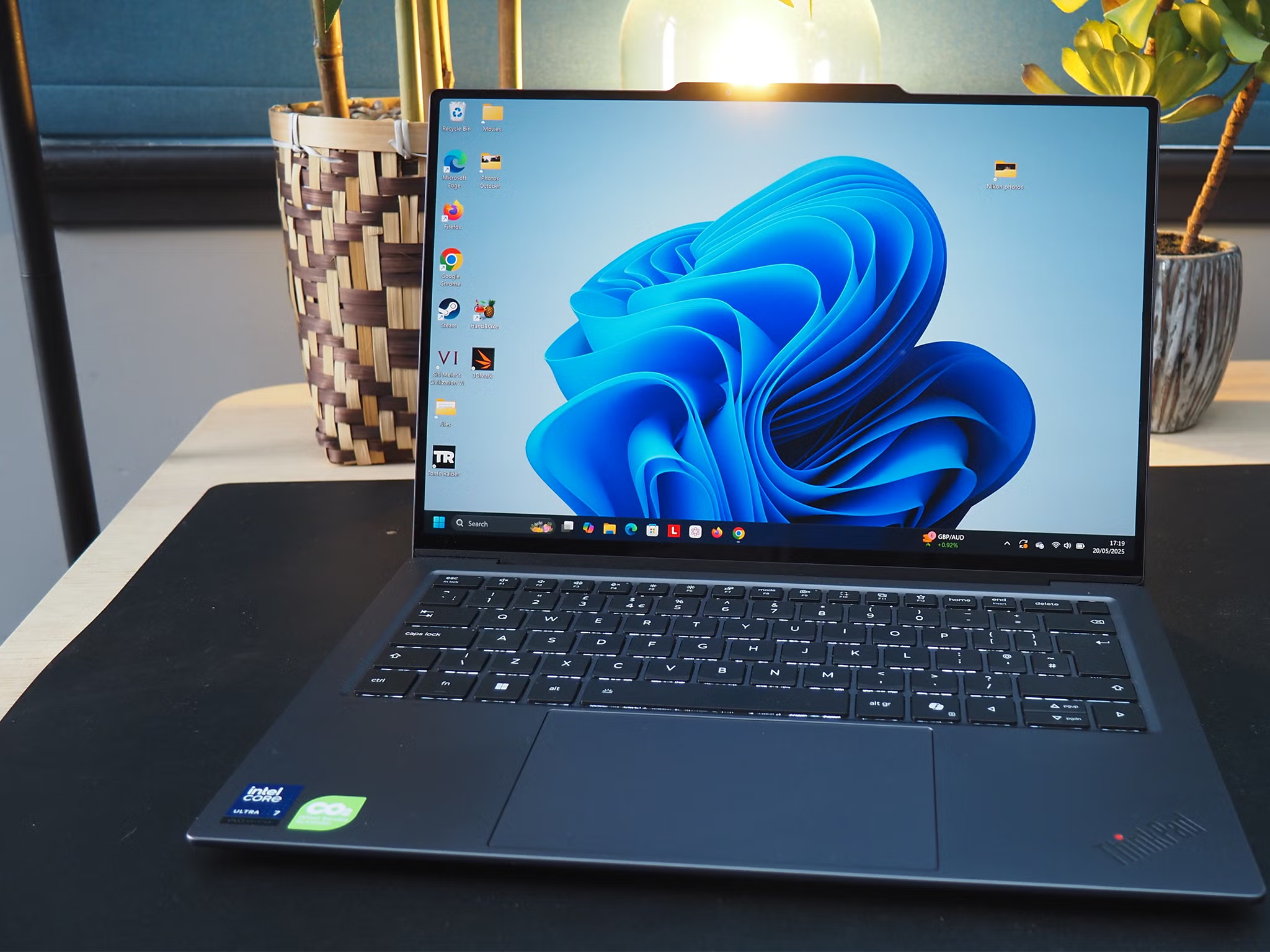
- Lenovo Thinkpad X1 Carbon Gen 12
- ASUS Chromebook Plus CX34
- Razer Blade 18
- ACER NITRO V 15
- MacBook Pro 16-inch (M4 Pro)
- DELL XPS 14 (DA14260)
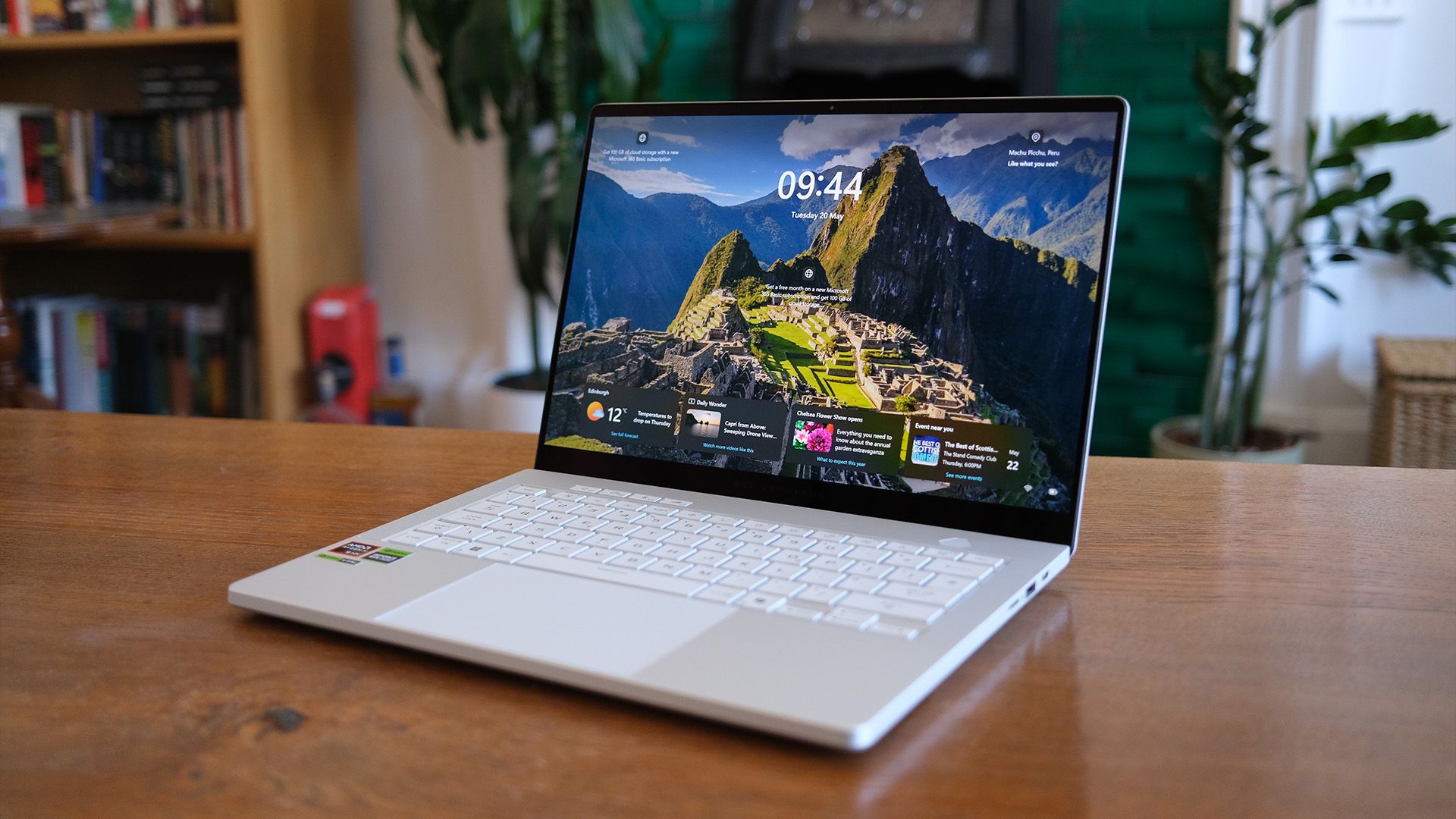
- ASUS ZenBook S 16
- THE BEST LAPTOP (and MAC) OVERALL – Apple MacBook Air 13-inch (M5)
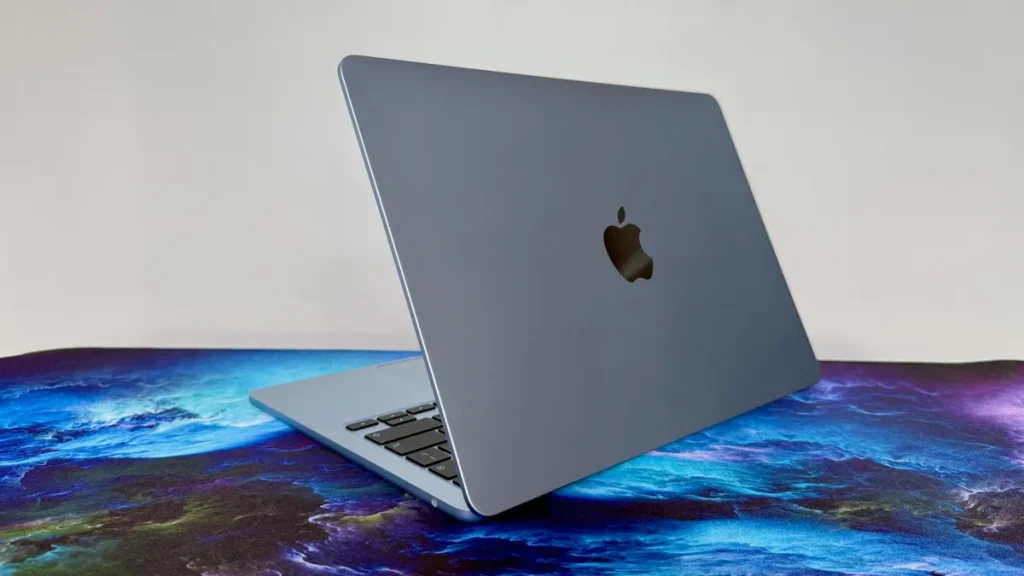
Processor: Apple M5 | Screen size: 13.6-inch | RAM: 16GB – 32GB | Storage: 512GB – 4TB | Battery life: 15 hours and 30 minutes | Size: 11.97 x 8.46 x 0.44 inches | Weight: 2.7 lbs (1.24kg)
PROS
- Same excellent design
- More power and efficiency with M5 chip
- Double the storage in base model
- WiFi 7 and BLE 6 support
CONS
- Same colors as predecessors
- A little expensive
Why We Picked It
The 13-inch Apple MacBook Air 13-inch (M5) stands out as one of the best laptops of 2026 because it perfectly balances performance, portability, battery life, and premium design in a way very few laptops can match. Powered by Apple’s new M5 chip, the MacBook Air delivers faster AI processing, improved graphics performance, and exceptional efficiency while still maintaining its fanless ultra-thin design.
Apple also upgraded the base model with 512GB SSD storage and faster read/write speeds, making it far more practical for creators, students, and professionals handling large files and multitasking workloads. The 13.6-inch Liquid Retina display remains one of the best in its class, offering sharp visuals, vibrant colors, and excellent brightness for both productivity and entertainment.
2. THE BEST BUDGET LAPTOP – Apple MacBook Neo
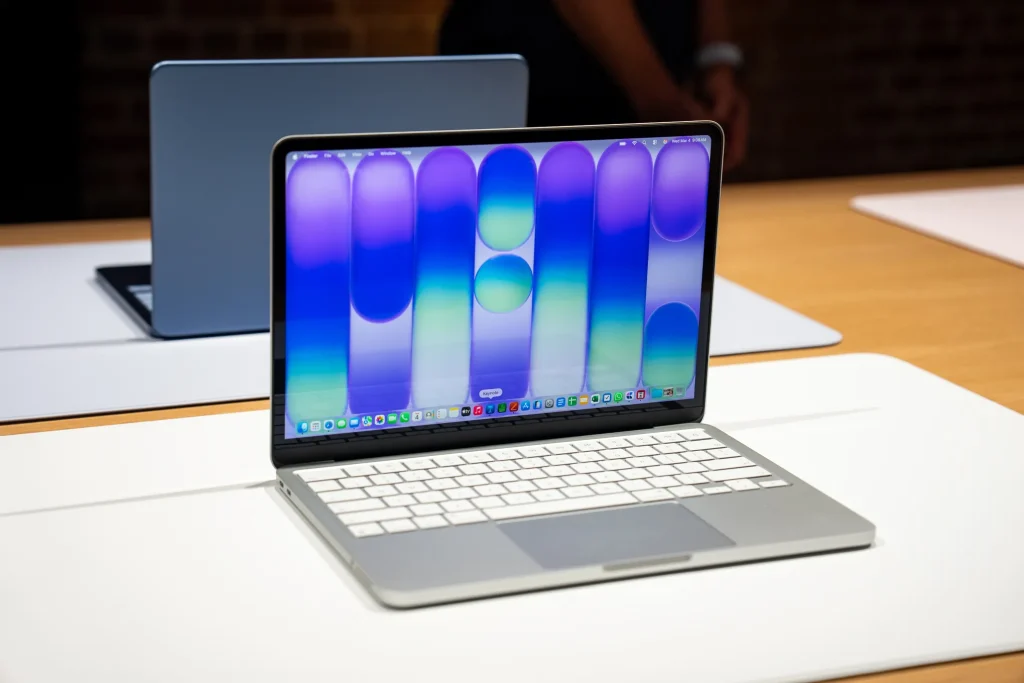
Processor: Apple A18 Pro | Screen size: 13-inch | RAM: 8GB unified memory | Storage: 256GB – 512GB SSD | Battery life13 hours 30 minutes | Size: 0.50 x 11.71 x 8.12in | Weight: 2.7lbs (1.23kg)
PROS
- Best value for money
- Excellent build quality
- Full macOS experience
CONS
- No keyboard backlight
- Only 8GB RAM
Why We Picked It
The Apple MacBook Neo earns its place as one of the best budget laptops of 2026 because it delivers the premium Apple experience at a far more accessible price than previous MacBooks. Starting at around $599, the MacBook Neo combines a lightweight aluminum design, a sharp 13-inch Liquid Retina display, long battery life, and Apple’s efficient A18 Pro chip into a laptop that feels far more expensive than it actually is.
Unlike many budget Windows laptops that compromise on build quality or battery endurance, the MacBook Neo maintains Apple’s polished design, smooth macOS experience, and seamless ecosystem integration with iPhone and iPad.
3. THE BEST LAPTOP FOR STUDENTS – Apple MacBook Air 13-inch (M3)
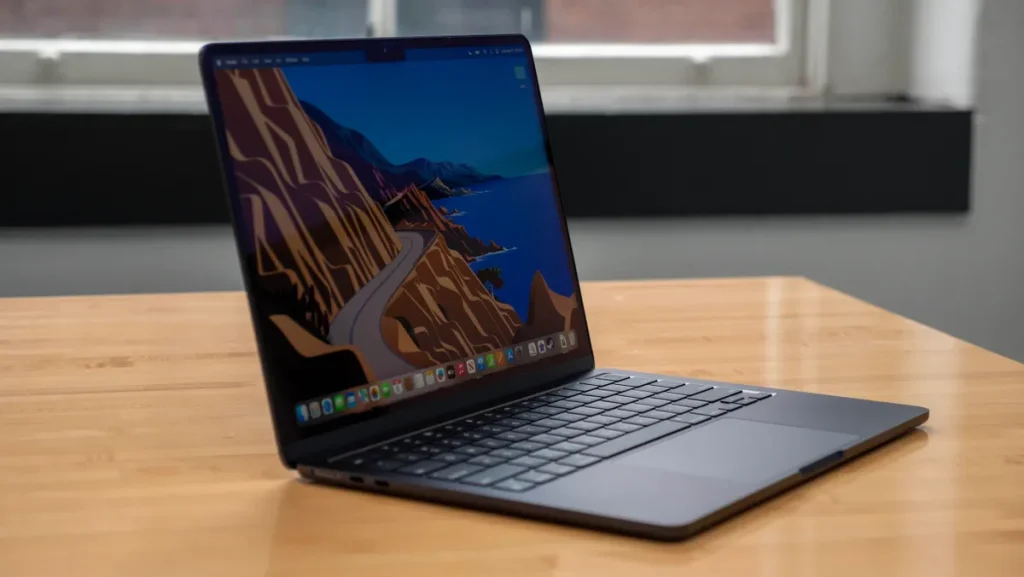
Processor: Apple M3 | Screen size: 13.6-inch | RAM: 8GB – 24GB | Storage: 256GB – 2TB | Battery life: 14 hours and 19 minutes | Size: 11.97 x 8.46 x 0.44 inches | Weight: 2.7 lbs (1.24kg)
PROS
- Powerful M3 performance
- Bright and colorful display
- Ultraportable design
- Exceptional battery life
CONS
- Base specs are a bit weak
- External monitor support feels compromised
Why We Picked It
The Apple MacBook Air 13-inch (M3) remains one of the best MacBooks money can buy right now. It sports a thin, light, and stylish design and is packed with Apple’s latest M3 chip, delivering excellent performance for day-to-day tasks in a slimline profile. It’s best for college students and pretty much everyone else, as it can handle more intensive workloads like editing videos.
A newer, lower price for the entry-level model makes it an easier recommendation for people looking for a brilliant all-rounder, as it now features 16GB RAM, making it more powerful without a price increase over its previous model. It’s great for day-to-day tasks, college, work, as well as video editing and AI.
4. BEST BUSINESS LAPTOP – Lenovo Thinkpad X1 Carbon Gen 12
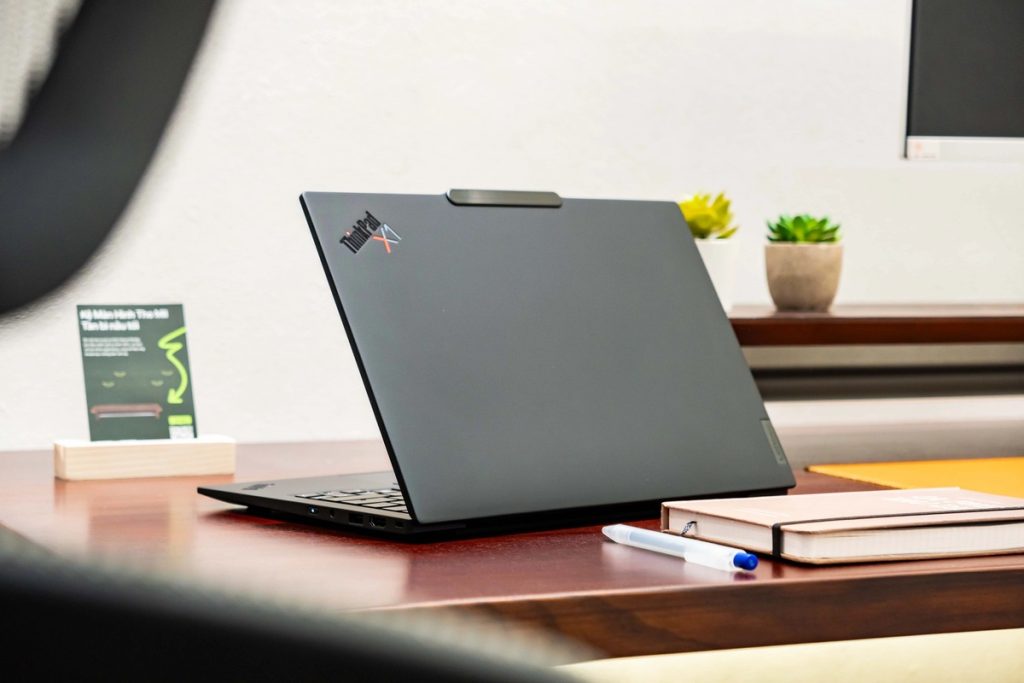
Processor: Intel Core Ultra 7 165U | Memory: 32 GB | Storage: 1 TB SSD | Display: 14″ WUXGA (1920 x 1200), IPS, Anti-Glare, Non-Touch, 100% sRGB, 400 nits, 60Hz | Operating System: Windows 11 Pro | Battery: 57Wh, up to 12 hours of battery life | Weight: 2.47 pounds
PROS
- Lightweight, durable design
- Excellent battery life
- Comfortable keyboard and trackpad
CONS
- Performance is a mixed bag
- Power button placed on the side of the laptop
Why We Picked It
The Lenovo ThinkPad X1 Carbon Gen 12 represents the pinnacle of Lenovo’s renowned ThinkPad lineup, designed for business professionals, digital nomads, and anyone who demands powerful performance in a sleek, ultra-portable form factor. As a 12th-generation model, it builds upon the ThinkPad X1 Carbon’s legacy of offering top-tier performance, durability, and battery life, making it a favorite among power users, creators, and corporate professionals alike.
Whether you’re looking for a premium laptop for work, business travel, or everyday use, the ThinkPad X1 Carbon Gen 12 brings powerful hardware, enterprise-grade security, and a refined design that meets modern needs.
5. THE BEST CHROMEBOOK – ASUS Chromebook Plus CX34
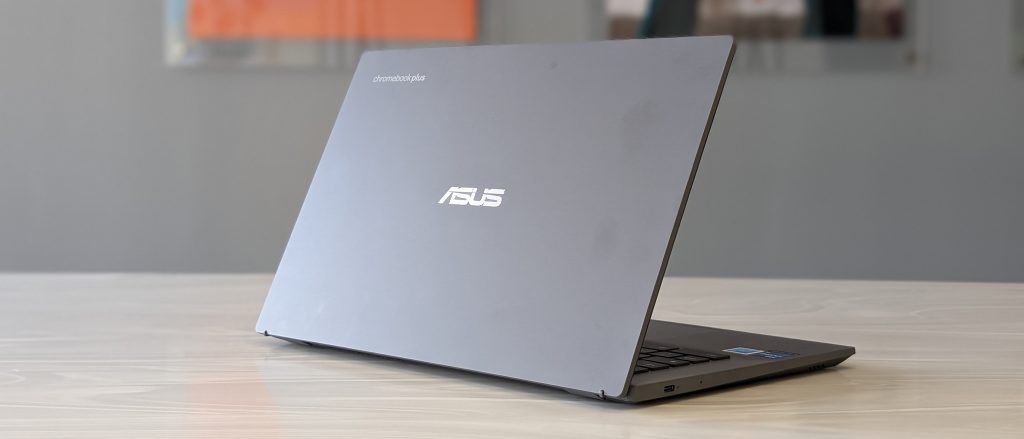
CPU: Intel Core i3-1215U | Graphics: Integrated Intel Iris Graphics | RAM: 8GB DDR5 | Screen: 14-inch, FHD (1920 x 1080) | Storage: 256GB UFS | Dimensions: 12.9 x 8.4 x 0.74 | Weight: 1.44 kg (3.17 lbs)
PROS
- Great keyboard and port selection
- Nippy performance
- Solid endurance
CONS
- Cheap-feeling construction
- Basic speakers
Why We Picked It
The ASUS Chromebook Plus CX34 provides an excellent combination of performance, portability, and value, all while leveraging the simplicity and efficiency of Chrome OS. Whether you’re a student, professional, or casual user, it’s the best Chromebook you can buy right now.
Featuring premium design elements, impressive performance, and the simplicity of Chrome OS, the CX34 promises to deliver an excellent experience for those who primarily work in the cloud and need a reliable, budget-friendly laptop. With seamless integration of Google services and easy access to Android apps via the Google Play Store.
6. BEST LAPTOP FOR PRO CREATIVES – MacBook Pro 16-inch (M4 Pro)
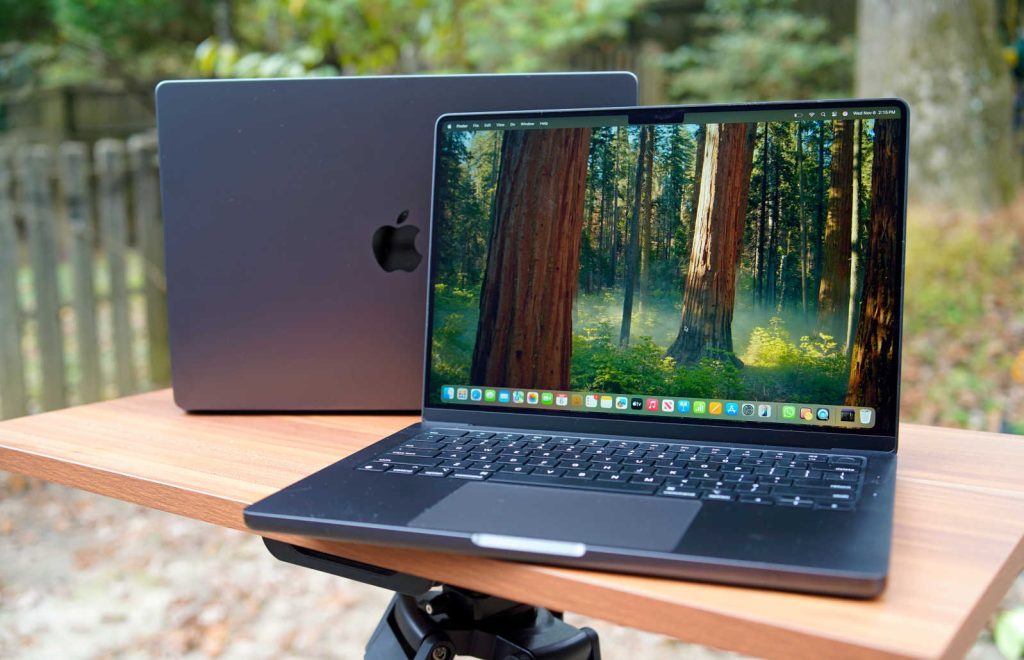
Processor: Apple M4 Pro – M4 Max | Screen size: 16-inch | RAM: 24GB – 128GB | Storage: 512GB – 8TB | Battery life: 21 hours and 32 minutes | Size: 14.01 x 9.77 x 0.66 inches | Weight: 4.7 lbs (2.2kg)
PROS
- Utilitarian design
- Fast M4 Pro performance
- Bright and colorful display
- Incredible battery life
CONS
- Desk view is awkward
- Expensive
Why We Picked It
The Apple MacBook Pro 16-inch (M4 Pro) takes everything that made its predecessor an industry leader and amps it up even further, thanks to the innovative Apple M4 Pro chip. This new iteration pushes the boundaries of what a laptop can do, making it an excellent choice for demanding professionals, content creators, and anyone who needs raw power in a sleek and portable form.
The M4 Pro chip delivers massive gains in multitasking and sustained workloads, with a 14-core CPU, 20-core GPU, hardware-accelerated ray tracing, and dedicated media engines for ProRes and HEVC workflows. That means smoother 4K/8K video editing in apps like Final Cut Pro, DaVinci Resolve, and Adobe Premiere Pro, faster rendering times, and better handling of complex creative projects without the loud fan noise or battery drain common in many high-performance Windows laptops.
7. THE BEST HIGH-END GAMING LAPTOP – Razer Blade 18
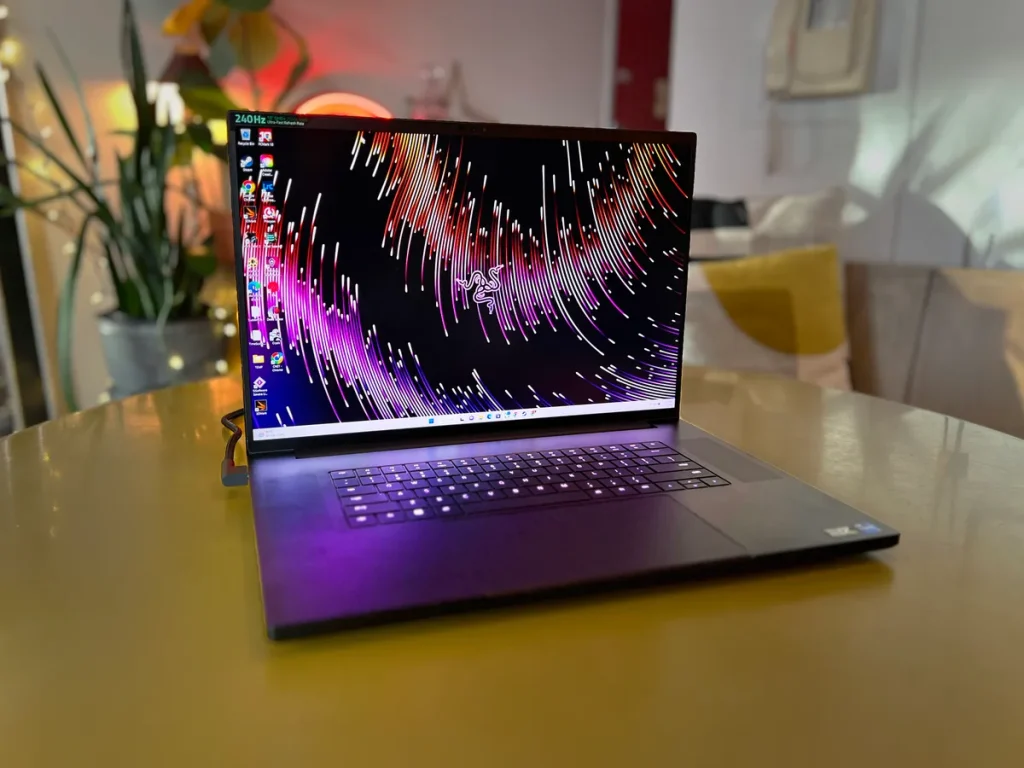
CPU: Intel Core Ultra 9 275HX | GPU: Nvidia GeForce RTX 5090 Laptop GPU | Display: 18-inch, IPS, 16:10, dual mode (3840 x 2400 at 240 Hz or 1920 x 1200 at 440Hz) | Weight: 7.06 pounds (3.10 kg)
PROS
- Stellar gaming performance
- Versatile dual-mode display
- Excellent build quality
- Best keyboard, touchpad, and speakers
CONS
- It’s pretty pricey
- No PCIe 5.0 SSD
Why We Picked It
The Razer Blade 18 stands out because it combines desktop-level gaming power, a premium all-aluminum build, and one of the most versatile displays ever fitted into a gaming laptop. Instead of feeling like a bulky plastic gaming machine, it feels closer to a luxury ultrabook that just happens to run high-end AAA games at extreme settings.
One of its biggest advantages is raw performance. Configurations with Intel Core Ultra 9 processors and NVIDIA RTX 5080 or RTX 5090 laptop GPUs allow it to handle demanding titles at high frame rates, even at 4K resolution.
The 18-inch display is another reason it leads the category. The dual-mode screen can switch between ultra-sharp 4K 240Hz gaming and ultra-fast lower-resolution esports modes reaching up to 440Hz. That means it works equally well for cinematic single-player games and competitive shooters.
8. THE BEST WINDOWS 11 LAPTOP – DELL XPS 14 (DA14260)
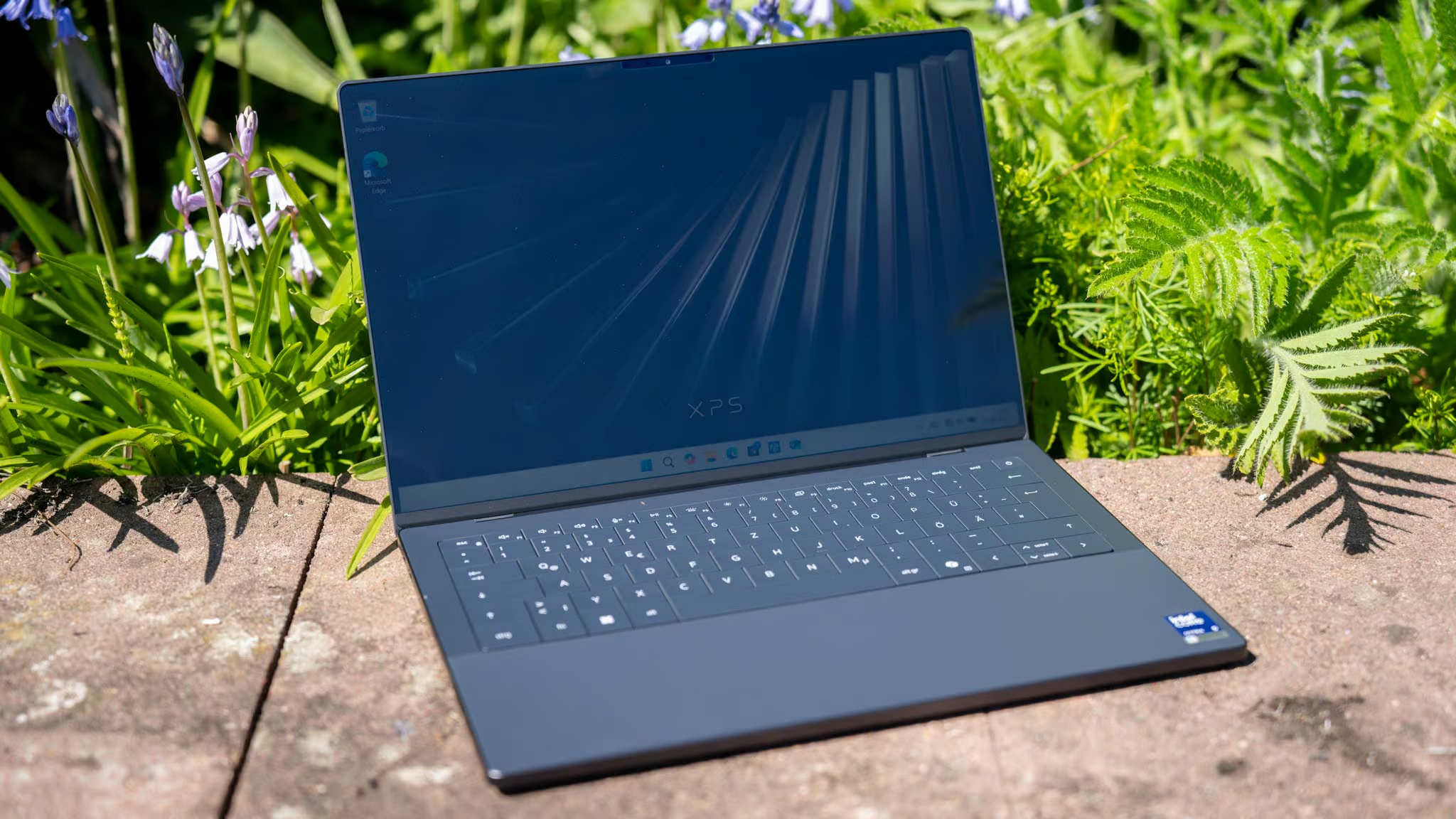
CPU: Intel Core Ultra 7 355 | GPU: Intel Graphics (integrated) | Display: 14-inch, 1920 x 1200, non-touch, 1 1 -120 Hz, InfinityEdge | Weight: 3 pounds (1.36 kg)
PROS
- Attractive, ultraportable design
- Strong battery life on a 1200p screen
- Surprisingly strong performance
CONS
- Low-travel, lattice-free keyboard
- Can be pricey, yeah!
The Dell XPS 14 (DA14260) stands out as one of the best Windows 11 laptops because it combines premium design, powerful AI-ready performance, long battery life, and a stunning display into an ultraportable machine that feels as refined as a MacBook Pro while keeping the flexibility of Windows. Dell redesigned the XPS line for 2026 with a lighter CNC-machined aluminum chassis, improved keyboard, better thermals, and Intel Core Ultra Series 3 processors, making the laptop faster, cooler, and more efficient than previous generations.
One of its biggest strengths is the 14-inch 2.8K Tandem OLED display. The panel delivers rich blacks, vibrant colors, HDR support, and smooth 120Hz refresh rates, making it ideal for creators, professionals, students, and entertainment. Reviews consistently praise the screen quality as one of the best on any Windows laptop, especially for photo editing, video work, streaming, and multitasking.
9. BEST BUDGET GAMING LAPTOP – ACER NITRO V 15
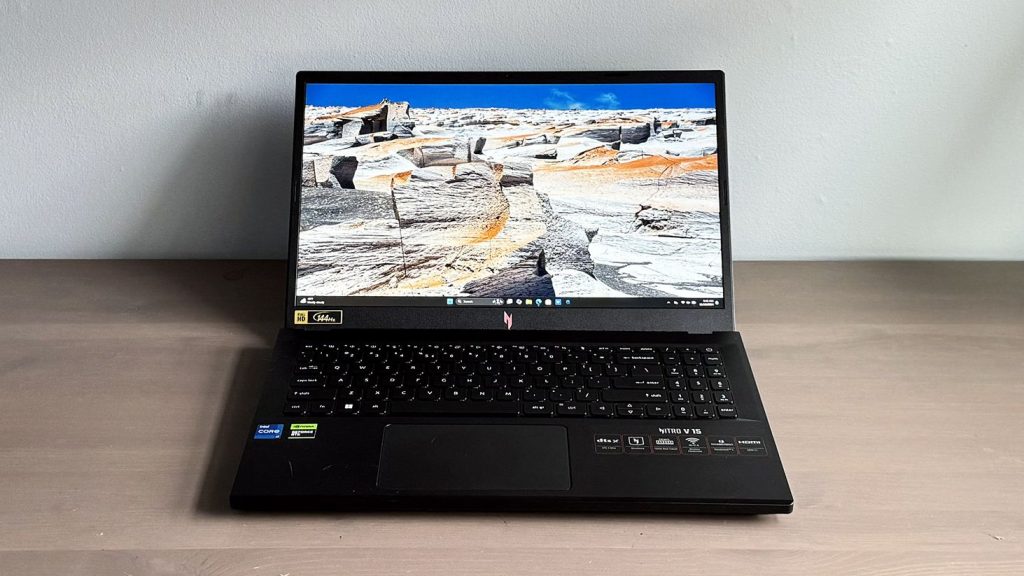
CPU: Intel Core i7-13620H | Graphics: Nvidia GeForce RTX 4050 | Memory: 16GB DDR5-5200 (2x 8GB) | Storage 512GB SSD | Display: 15.6-inch, 1920 x 1080 | Weight: 4.66 pounds
PROS
- Excellent value for money
- Strong 1080p gaming performance
- High refresh rate display
CONS
- Fans get loud under load.
- Runs hot during intense gaming
Why We Picked It
The Acer Nitro V 15 is a strong budget gaming laptop that focuses on performance first. It doesn’t offer the premium materials, quiet cooling, or ultra-colorful displays of expensive gaming machines, but it delivers exactly what many gamers need: fast 1080p gaming at a reasonable price.
For students, entry-level gamers, and buyers upgrading from older GTX systems, the Nitro V 15 remains one of the better value gaming laptops available today. It’s no wonder it made it to our best budget laptops list, and now it makes an appearance in the best laptops list as well. It is ideal for gamers who mainly play esports and modern AAA games at 1080p without spending premium gaming laptop money.
10. THE BEST ULTRABOOK OF 2026 – Asus ZenBook S 16
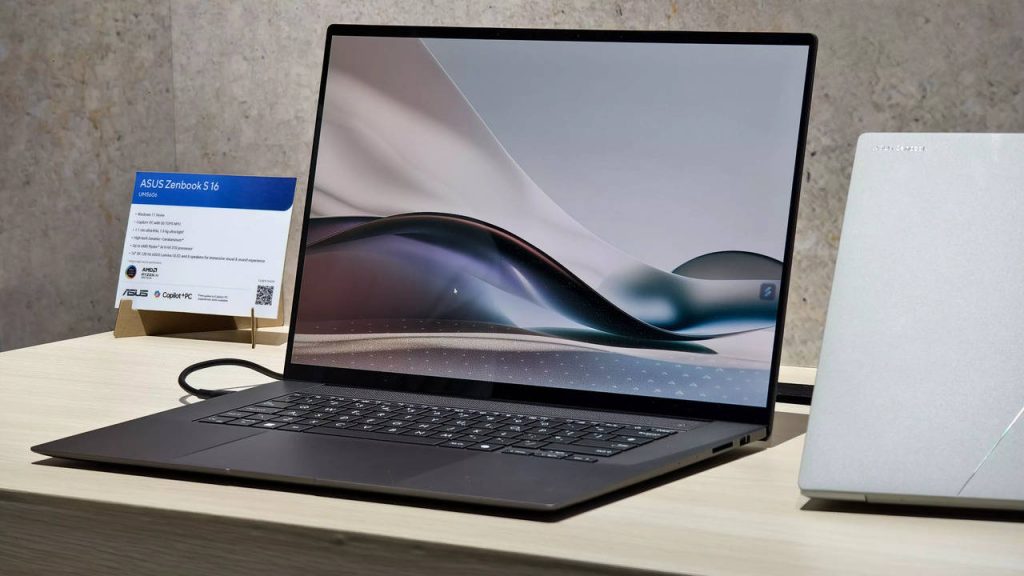
Processor: Up to AMD Ryzen AI 9 HX 370 | Screen size: 16-inch | RAM: Up to 32GB | Storage: Up to 1TB | Battery life: 14 hours 55 minutes | Size: 13.9 x 9.6 x 0.51 inches | Weight: 3.31lbs (1.5kg)
PROS
- Drop-gorgeous design
- 3K OLED screen
- Excellent productivity performance
CONS
- Battery life would be better
- Asus software is irritating
Why We Picked It
The Asus Zenbook S 16 stands out as one of the best ultrabooks of 2026 because it combines three things that are usually difficult to get in the same laptop: a large 16-inch display, a true ultraportable design, and strong AI-powered performance. ASUS managed to fit premium hardware into an incredibly thin 1.1 cm chassis that weighs around 1.5 kg, making it feel closer to a compact 14-inch ultrabook than a typical 16-inch laptop.
One of its biggest strengths is the stunning 3K 120Hz OLED display. The ASUS Lumina OLED panel delivers deep blacks, vibrant colors, excellent contrast, and smooth motion, making it ideal for creators, professionals, streaming, and productivity work. Reviewers consistently praise the display as one of the best on any Windows ultrabook in 2026.
Performance is another major reason the Zenbook S 16 ranks so highly. The latest AMD Ryzen AI processors — including Ryzen AI 9 465 configurations — bring fast multi-core performance alongside dedicated AI acceleration with up to 50 TOPS from the XDNA NPU. That makes the laptop especially strong for modern Windows AI features, multitasking, photo editing, productivity workflows, and lightweight creative workloads.
Which are the best laptop brands?
The best laptop brands include Apple, Asus, HP, Lenovo and Dell, and all of these have their core strengths that separates them form each other. For example, Apple has always delivered slim and light machines with cutting-edge designs around, and the same brilliant designs have been improved on every model of the Apple MacBook.
On the other hand, Asus offers a great range of high-end ultrabooks and the ZenBook 14 OLED is simply a masterpiece in all its glory, as well as affordable Chromebooks. Lenovo is well known for its range of business notebooks and some great 2-in1 laptops as well, and HP makes some fantastic laptops that are some of the best in the world at various price points.
When it comes to gaming, the best laptop brands include Alienware, Lenovo and Razer.
How much RAM does a laptop need?
RAM is a very important specification to consider in a laptop. These days, most laptops come with at least 8GB RAM, and that’s pretty much you’d require in a Window laptop. But 16GB is also ideal as it gives you enough headroom to run Windows effectively for many years to come. On the other hand, budget Chromebooks can get away with less RAM, maybe 4GB or 8GB.
Which One – Windows, Mac or A Chromebook?
In our best laptops for 2025 list, we’ve covered all OS platforms. however, choosing the best laptop depends on what you want to do with that machine and the kind of tasks that are important to you. For that, we advise that you first identify the tasks at hand, and any available programs/apps that you’ll be using on your device, then identify compatibility.
Chances are that if you’re sticking to the sub-$1,000 price range, you won’t get a Mac unless you’re willing to do with an older model. That leaves a choice of Windows and Chrome OS, and in that case, it gets down to the question of what software you need to run.
If you need a wider selection of software across various categories, Windows is your best bet. However, if all you need to do is browse the web, run simple productivity apps, and leverage Android equivalents, the Chrome OS is a safe buy too.
Last update on 2026-05-15 at 08:36 / Affiliate links / Images from Amazon Product Advertising API