
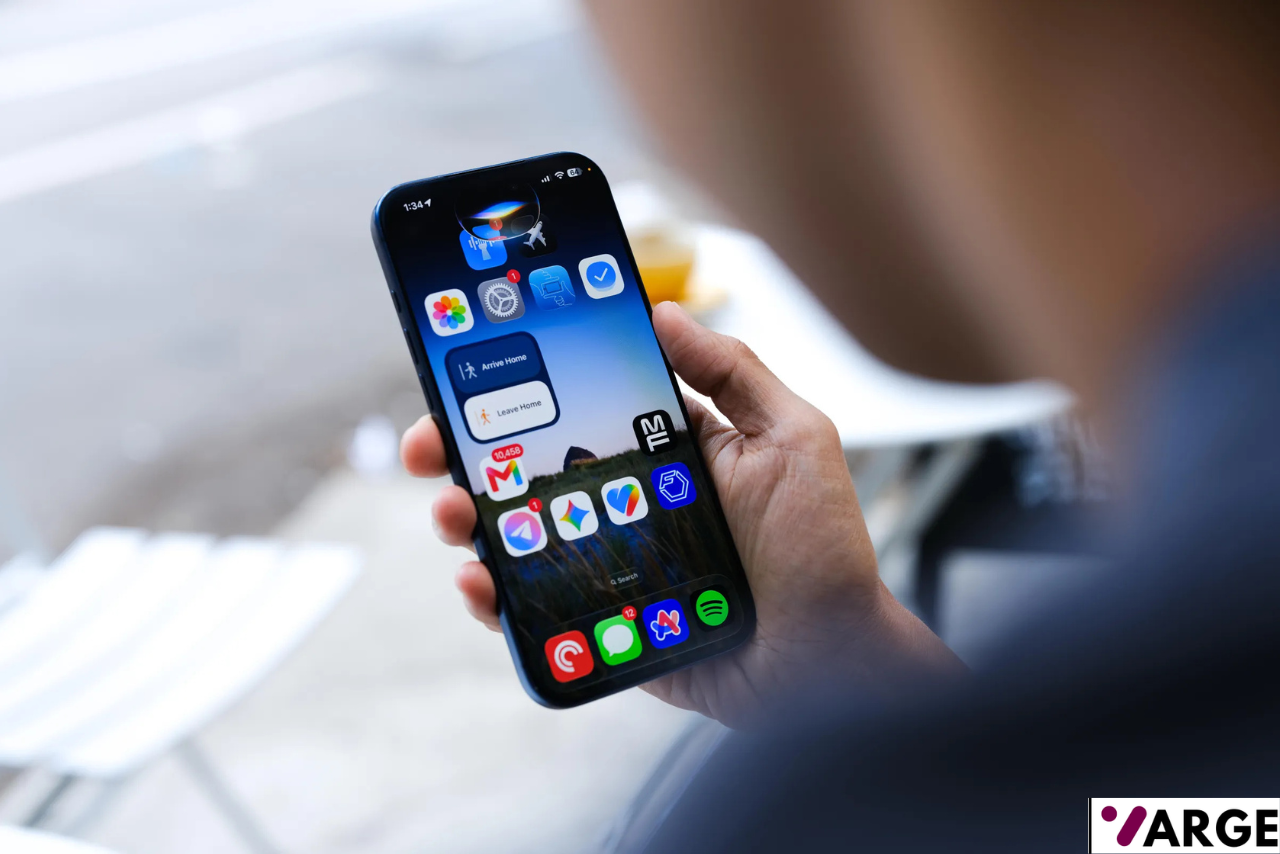
Apple used WWDC26 to unveil newer iMacs and MacBooks, but iOS 27 was another highlight altogether, and while the update touches dozens of corners of the operating system, one storyline dominates everything else: Siri has, at long last, become genuinely useful. After two years of promises that didn’t quite land, a hands-on look at the developer beta suggests Apple may have finally closed the gap with rivals like Gemini and ChatGPT.
A Rocky Road to a Smarter Siri
The wait has been a long one. Back at WWDC24, Apple introduced Apple Intelligence and teased a Siri overhaul that would be more personal and far more aware of context. That promise didn’t materialize on schedule, and Siri — despite being the original mainstream voice assistant — fell noticeably behind competitors. WWDC25 came and went with barely a mention of the assistant, fueling doubts about whether Apple could deliver at all.
This year’s keynote was different. Testing the new Siri on the developer beta, installed on a current-generation Pro Max iPhone, revealed an assistant that finally behaves the way Apple originally described. Part of the improvement comes down to a partnership with Google, which now supplies some of the underlying models powering Siri’s responses. Just as important is the assistant’s deep access to personal data stored across iPhone, iPad, and Mac — the emails, messages, photos, and calendar entries that let it answer questions specific to your own life rather than generic queries.
Putting the New Siri to the Test
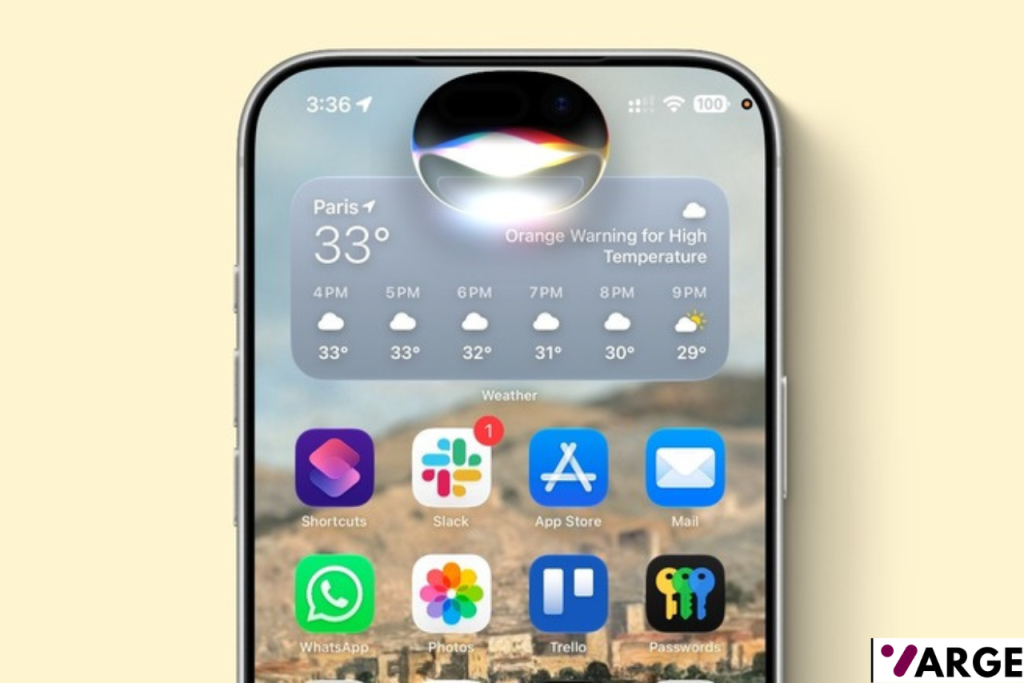
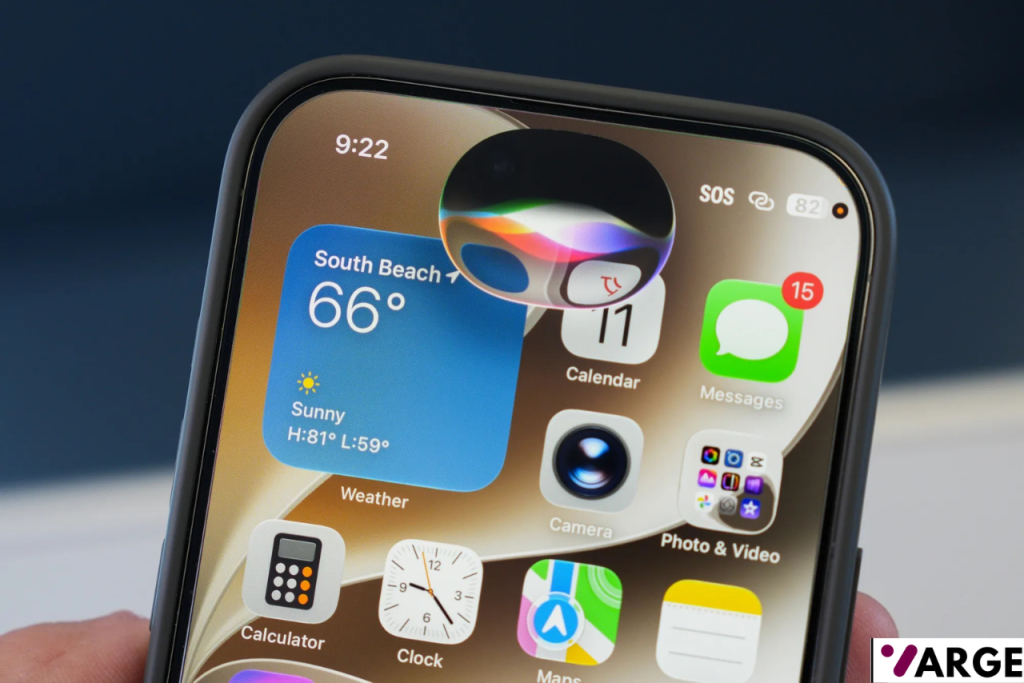
Visually, the redesigned Siri now lives inside the Dynamic Island at the top of the screen rather than the familiar colorful glow around the display edge. It’s a functional trade-off — some may miss the old aesthetic, but the change makes sense as a way to visually separate the new assistant from its predecessor.
In practice, the new Siri handled an impressive range of personal, contextual requests. It correctly surfaced a restaurant visited in Barcelona the night before a conference the previous year, identified open dates for a lunch appointment in July, and dug up a marinade recipe that had been shared over Messages back in 2023. It also pulled up a set of holiday photos from a trip to Sweden and proactively asked whether photos from a different month should be included too. A simple spoken request was enough to block out every Friday evening in July on the calendar, and it suggested nearby restaurants ahead of a flight home from San Francisco.
Beyond search-style requests, Siri also handled more complex, multi-step tasks. Given an event confirmation email, it built a packing list and, without being told which hotel was booked, delivered a reminder to pack as soon as the phone detected arrival at that location. It could also recall recurring payments, such as a monthly amount paid to a window cleaner, though that request needed a bit of extra prompting to get right. It even retrieved a passport number on request — although in this instance it pulled up an outdated document rather than the current one.
Not everything worked flawlessly. Siri wasn’t able to actually book a table at any of the restaurants it recommended, it failed to locate a driving licence number, and it couldn’t extract information from an open WhatsApp conversation. Even so, for someone who lives inside Apple’s ecosystem and relies on its native apps day to day, the overall experience marks a dramatic step forward. A new standalone Siri app now gathers past requests and conversations in one place, and the Camera app has gained its own Siri-powered mode that launches Visual Intelligence directly.
Beyond Siri: The Rest of What iOS 27 Brings
Siri may be the headline act, but iOS 27 carries a long list of smaller but meaningful updates — some visible day to day, others working quietly behind the scenes.
Smarter Suggestions in Messages and Mail
Apple Intelligence is becoming more proactive within Messages and Mail, scanning conversations for actionable details. Mention a date to a friend in a text and a one-tap option to add it to the calendar should appear automatically. If someone asks for photos in a message, the system can suggest jumping straight into Photos and even surface the specific images being requested. It’s a subtle kind of automation, but the sort that quietly saves a few taps throughout the day.
New Photo Editing Tools
Three new Apple Intelligence-powered editing features arrive with this release. Spatial Reframing allows a photo to be recomposed after it’s been taken, useful for images cropped too tightly or shot in the wrong orientation. Extend pushes the borders of a photo outward to reveal more of the surrounding scene, adding up to an extra 25 percent on each side. And Clean Up — Apple’s answer to tools like Google’s Magic Eraser — has been significantly upgraded to remove much larger unwanted objects, people, or distractions from a shot.
Call Context for Business Calls
A new feature called Call Context works quietly in the background during phone calls with businesses. Dialing an airline to sort out a delayed flight, for instance, will prompt the relevant booking reference or confirmation code to appear on screen automatically, pulled from Mail, so there’s no need to dig through old messages while stuck on hold.
Passwords Gets More Proactive
Apple’s dedicated Passwords app, introduced in 2024, already flagged compromised logins. In iOS 27 it goes a step further, actively monitoring for weak, reused, or compromised passwords and flagging them more clearly than before. Crucially, it can now update many of those passwords automatically on the user’s behalf, cutting out the tedious process of manually resetting credentials one account at a time.
Describing Shortcuts in Plain Language
The Shortcuts app has long been powerful but intimidating for casual users, built around a block-based automation system that takes time to learn. With iOS 27, Siri AI takes over much of that complexity. Instead of manually assembling a sequence of actions, users can simply describe what they want in everyday language — for example, asking to automatically message a friend an ETA when leaving work — and Siri will construct the automation across the relevant apps. The same natural-language approach extends to adding events directly to Calendar.
Expanded Child Safety Features
Apple’s child safety toolkit has been broadened considerably. Setup Assistant now lets parents choose exactly which apps appear on a child’s device from the outset. A new Ask to Browse feature requires children to request permission before visiting unfamiliar websites, with parents able to approve or deny each request straight from Messages. Communication Safety, previously focused on filtering nudity, now also intervenes before children encounter graphic violence or gore in shared photos and videos, and parents can require approval before a child adds any new contact.
Liquid Glass Gets a Dial
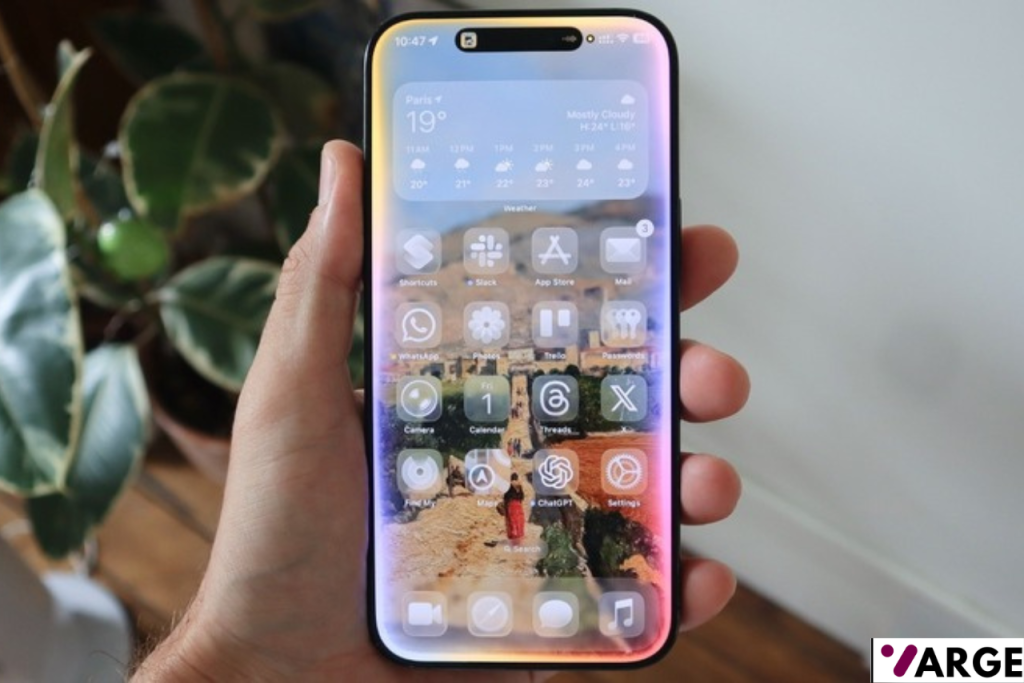
The translucent Liquid Glass design language introduced with iOS 26 has been refined further, with improved contrast for text and icons to make on-screen elements easier to read. A new slider also gives users direct control over the effect’s intensity, letting them adjust it anywhere from fully clear and glass-like to a more solid, tinted appearance.
A Long-Overdue Mail Search Overhaul
Mail’s search function is finally getting the relevance-based rework many users have wanted for years. Rather than surfacing results in strict chronological order, a new ranking system prioritizes the messages most likely to match what’s actually being searched for. In theory, that should mean tracking down an old booking confirmation or a long-buried email thread takes noticeably fewer scrolls.
Seamless Wi-Fi and Cellular Switching
iOS 27 promises smarter handling of network transitions between Wi-Fi and cellular signal. Whether requesting directions right after stepping outside or continuing a FaceTime call while walking off a plane and into an airport terminal, the system is designed to switch networks more smoothly, with fewer dropped connections and less lag while it determines the best available signal.
Personalized Sound With AirPods
For the first time, AirPods owners get proper sound customization, with new controls in the AirPods settings menu for adjusting lows, mids, and highs independently. Instead of relying purely on Apple’s factory tuning or a handful of preset equalizer profiles, users can now fine-tune the sound to match their own hearing, music preferences, or how they like calls and podcasts to sound. One limitation worth noting: there’s currently no way to save multiple custom profiles for different situations.
Performance Gains Across the Board
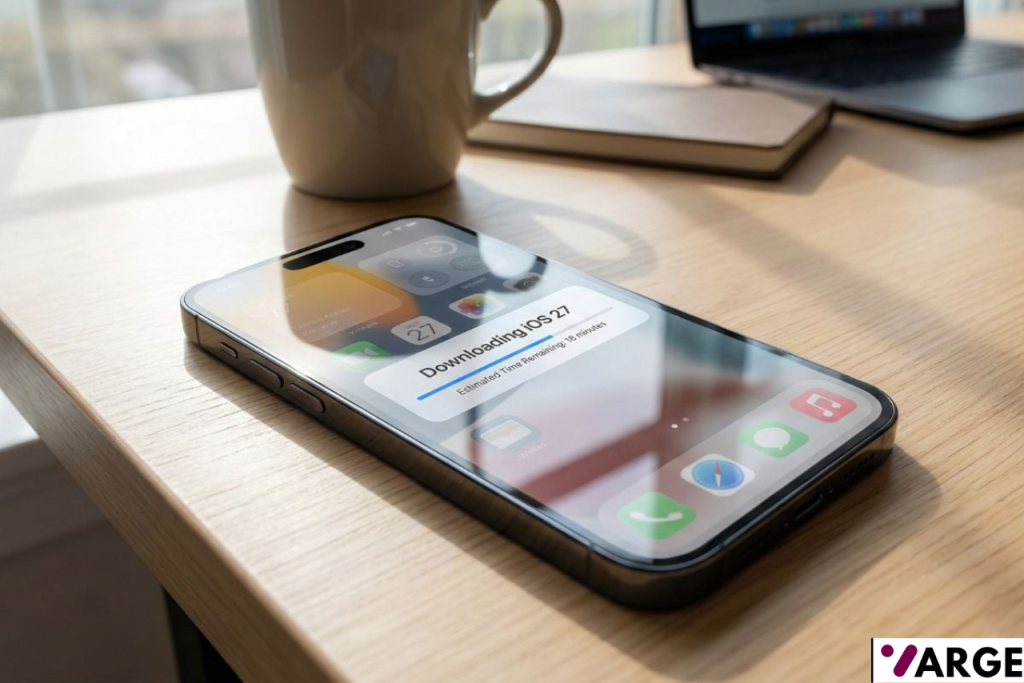
Apple says iOS 27 brings broad performance improvements, and AirDrop sees the biggest jump, with transfers claimed to be up to 80 percent faster in Apple’s own testing. App launch times are said to improve by up to 30 percent, while the Photos app should load newly captured images as much as 70 percent faster. Combined, these changes should make everyday use of an iPhone feel noticeably snappier — even on devices that are a few years old.
Cross-Platform iCloud Shared Albums
Shared Albums are becoming more useful for groups that mix Apple devices with Android or Windows. Friends and family on those platforms will be able to join shared albums through iCloud.com and contribute their own photos, rather than only being able to view what’s already there. Apple has also added support for full-resolution image sharing, along with new filtering options and reaction tools for shared content.
Which iPhones Support iOS 27?
Apple’s compatibility list for iOS 27 spans back several generations, covering:
- iPhone 17 Pro Max
- iPhone 17 Pro
- iPhone Air
- iPhone 17
- iPhone 17e
- iPhone 16 Pro Max
- iPhone 16 Pro
- iPhone 16 Plus
- iPhone 16
- iPhone 16e
- iPhone 15 Pro Max
- iPhone 15 Pro
- iPhone 15 Plus
- iPhone 15
- iPhone 14 Pro Max
- iPhone 14 Pro
- iPhone 14 Plus
- iPhone 14
- iPhone 13 Pro Max
- iPhone 13 Pro
- iPhone 13
- iPhone 13 mini
- iPhone 12 Pro Max
- iPhone 12 Pro
- iPhone 12
- iPhone 12 mini
- iPhone 11 Pro Max
- iPhone 11 Pro
- iPhone 11
- iPhone SE (2nd generation and later)
When Does iOS 27 Launch?
Apple is targeting a general release for compatible iPhones sometime this fall. Ahead of that, a public beta is expected to open up in July, giving anyone willing to tolerate the occasional bug a chance to try the update early.